Opens already composed
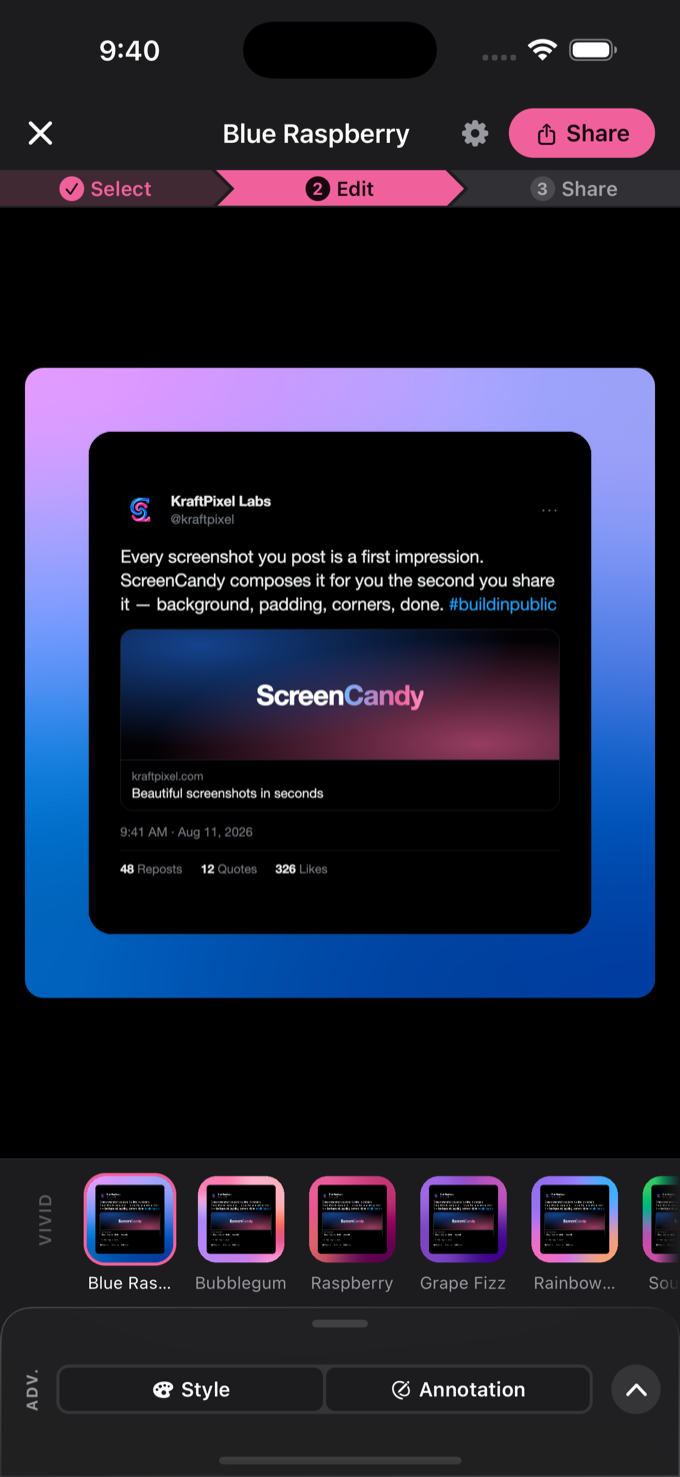
Take the screenshot, tap Share, tap ScreenCandy. It opens with your look already on — Select, Edit, Share, and Share is always one tap away.
 Available on iOS & Android
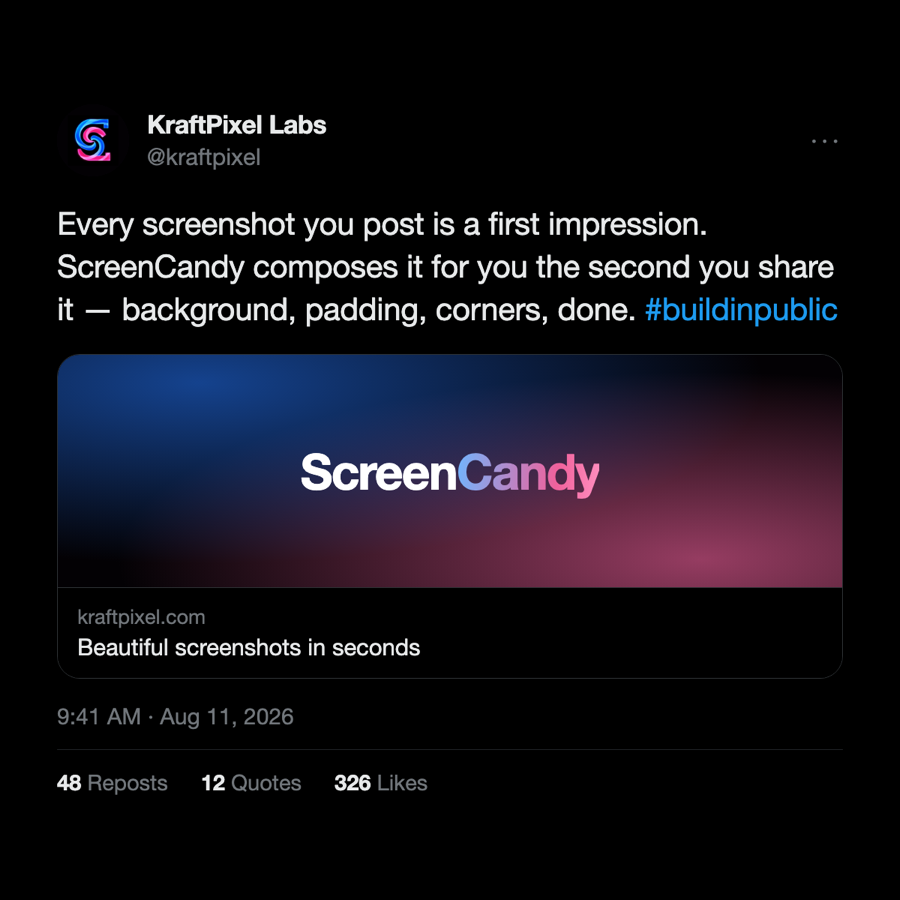
Share a screenshot to ScreenCandy and it opens already composed. Beautiful background, rounded corners, soft shadow. One more tap and it's posted.
Free on the App Store and Google Play.
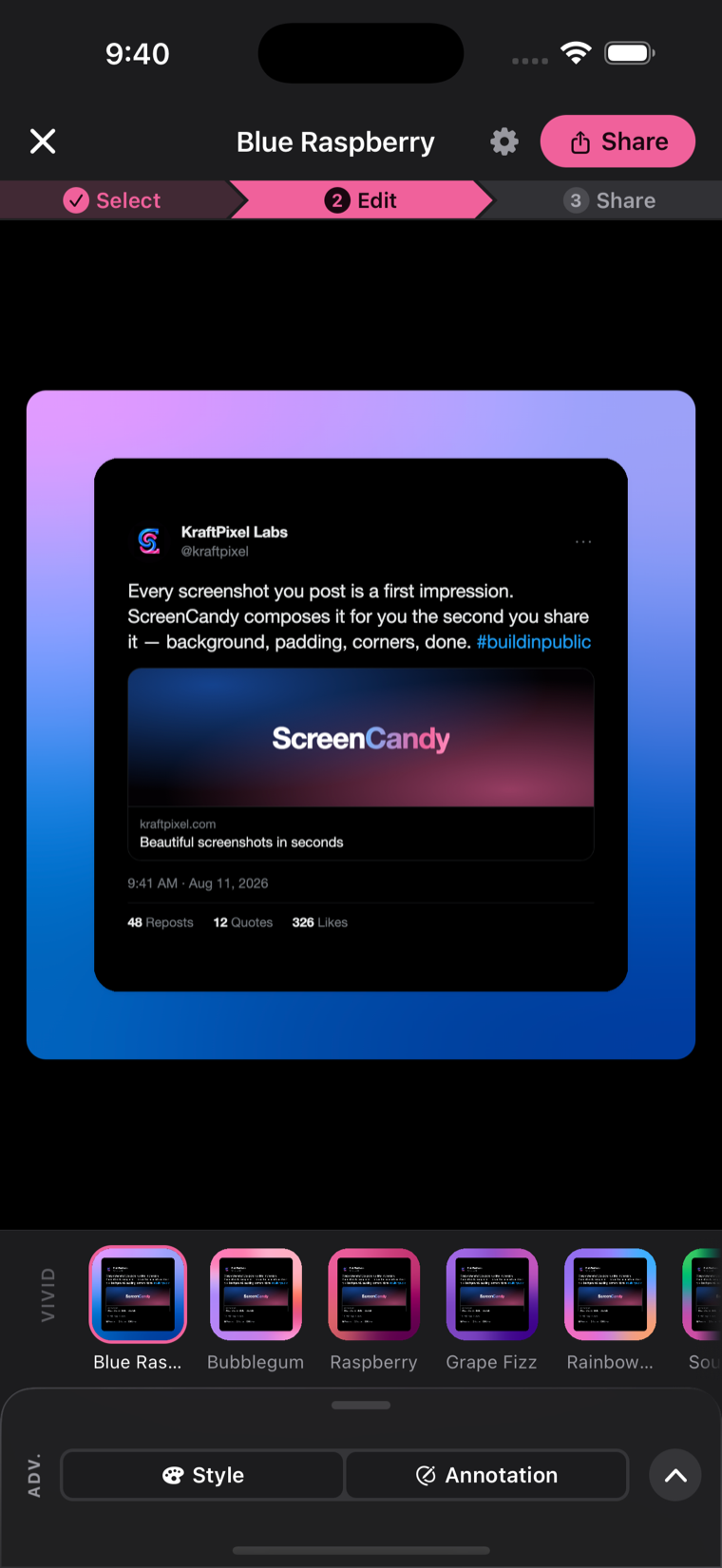
Take the screenshot, tap Share, tap ScreenCandy. It opens with your look already on — Select, Edit, Share, and Share is always one tap away.
24 hand-built mesh gradients in five families, plus six classic looks. Every one applies to your own screenshot for free.
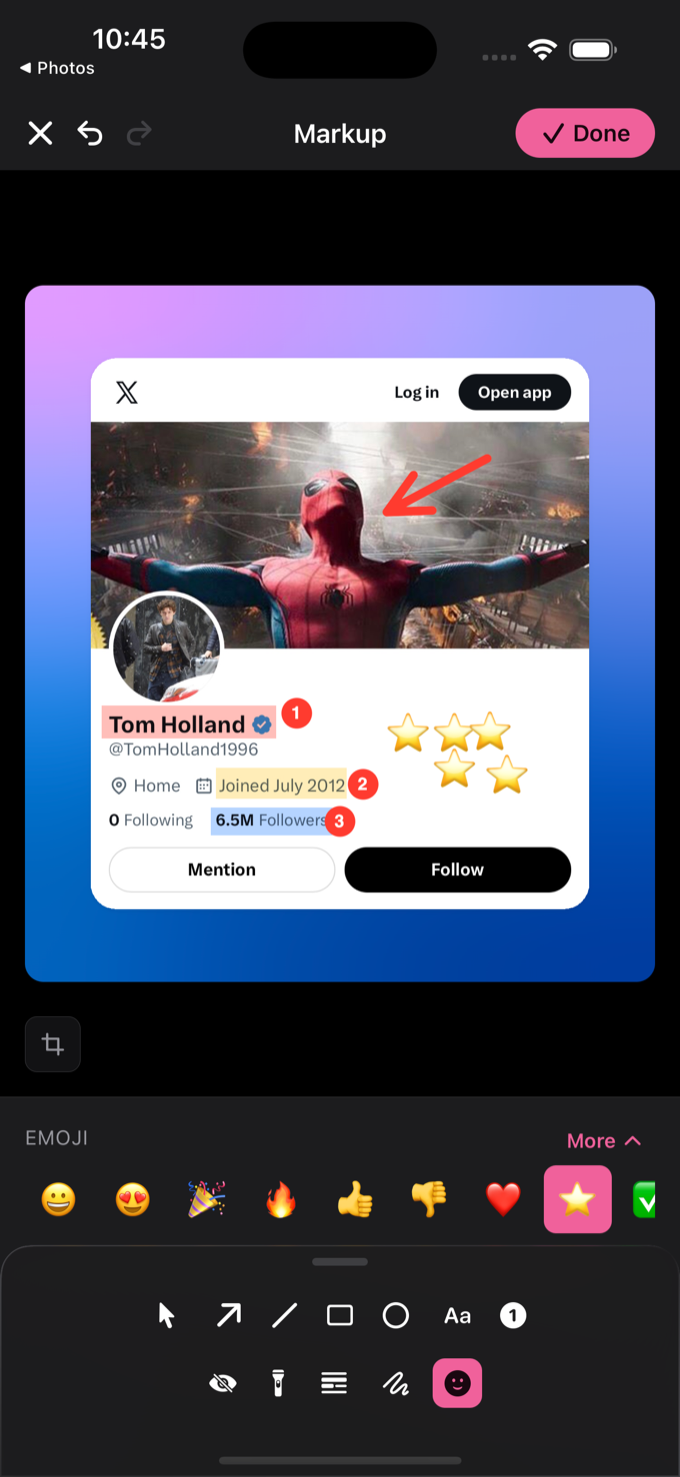
Eleven markup tools — arrows, counters, highlights, spotlight, emoji. Blur or black out anything private, on-device, before it ever leaves.
Nine aspect ratios and named canvases, so the composition re-fits the platform you're posting to.
No backend, no account, no analytics. Compositing happens on-device — safe for a screenshot of your dashboard, your DMs, or your bank app.
All 30 looks apply and render on the free plan. You only pay when you want to post a premium look without the watermark.
Go Pro and the watermark disappears from work you exported before upgrading, on re-export. Your past posts get the good version too.
Free on iOS and Android. Share one screenshot to it and see.
Get ScreenCandy